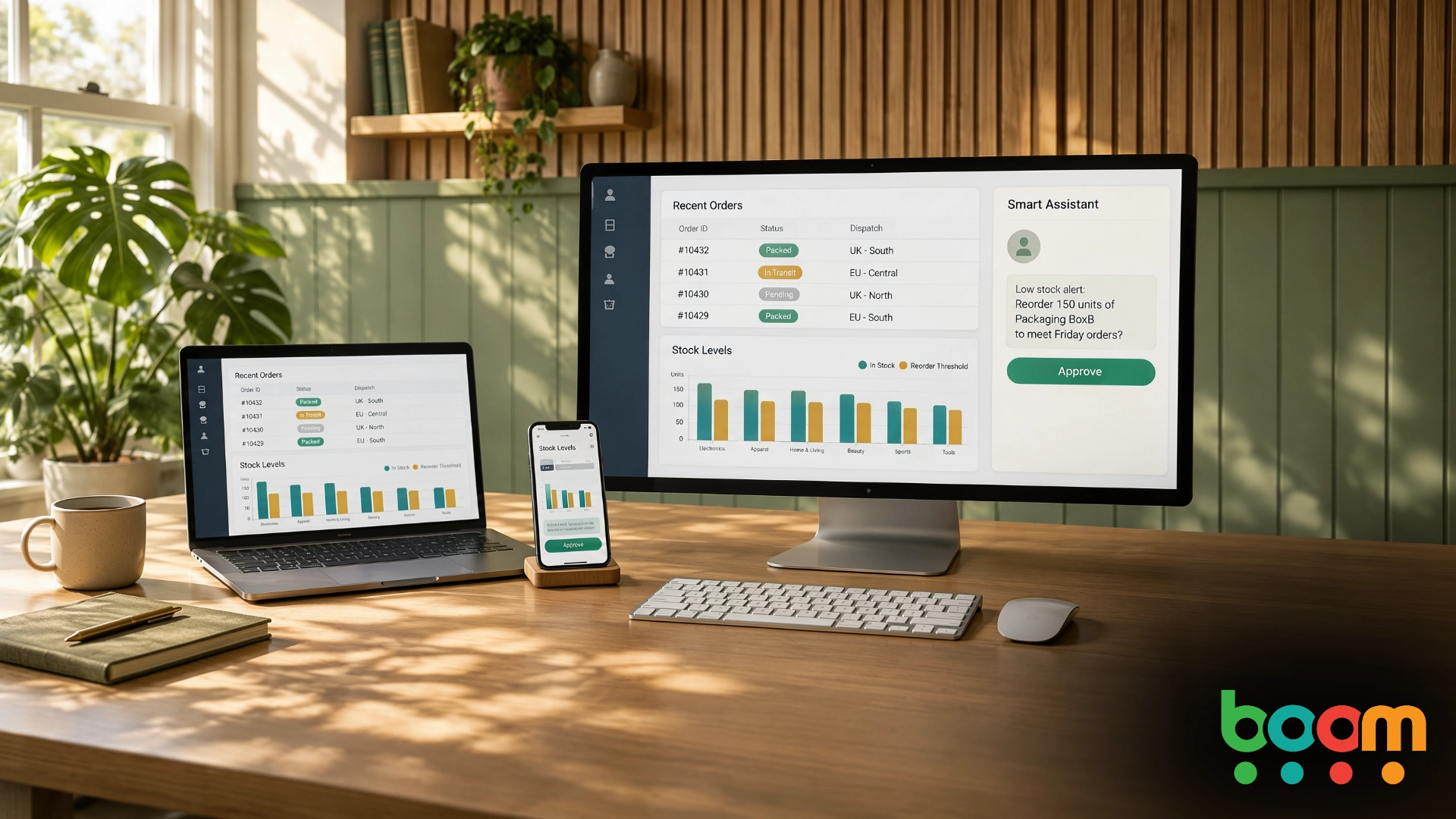
How to Add AI Features to Your Existing Business System Without Replacing It
Many businesses are now being asked the same question: how can AI help us? Most already have software that runs the business, whether that is an ERP, a stock system or a customer database. Ripping it out to make room for AI is rarely sensible, and the good news is that you do not have to.
AI can sit alongside your existing system as a helpful layer, as long as it is built so that the system stays in charge of its own records. This guide explains how to approach it, from the first useful feature to the safeguards that keep your data and your people protected. It is about what your software can do for your staff and customers, which is a separate question from how a team writes its code.
Start With a Problem, Not a Technology
The best AI features save people time on one specific job. They find something, summarise something, draft something or spot something unusual. Think of a sales coordinator who wants a short summary of a customer's order history before a call, a buyer who wants to know which supplier deliveries are running late, or a finance team that wants unusual invoices flagged for a second look.
If you cannot name the job and the person it helps, it is worth waiting. A clear problem keeps the project small, makes success easy to measure and stops the feature becoming a demo that nobody uses.
Keep Your System as the Source of Truth
Your ERP or business system holds the official record, and it should stay that way. An AI feature should not keep its own second version of the truth, and it should not write straight into your database. Instead it should reach your data through the same controlled routes your other tools use, with the same permissions as the person using it.
That way, anything the AI suggests still has to pass the same checks as a change made by hand, such as stock levels, credit limits and who is allowed to do what.
Three Stages: Read, Suggest, Act With Approval
A safe way to introduce AI is in three stages, and many businesses are happy to stay at the first or second for a long time.
The first stage is read only. The AI answers questions using data it is allowed to see, for example "which open orders for this customer are overdue?" This carries little risk and often delivers value quickly.
The second stage is suggesting. The AI drafts something, such as a message to a customer or a proposed change, and a person reviews it before anything is sent or saved.
The third stage is acting with approval. The AI prepares a change, the system checks it against the normal rules, a named person approves it, and the change is recorded. Only the system itself commits it. The AI never has the final say.
Build In a Way Back
Every AI-assisted change should leave a trail: what was proposed, who approved it and what happened as a result. It should also be easy to undo or correct. Plan, too, for the day the AI service is slow or unavailable. Staff should still be able to do their jobs the usual way, so the feature should add to your system rather than become something it depends on.
Protect Your Data
AI features often send text to a model that runs elsewhere. Before you build, find out what data will be sent, where it is processed and whether it is kept. Under UK GDPR you remain responsible for personal data, and for some uses it is worth checking whether a data protection impact assessment is needed. Give the AI only the data it needs for the job, and keep sensitive records out of it unless there is a clear reason.
Test With Real Examples
AI answers can be fluent and still wrong. Before launch, test with real, messy examples from your own business, including the awkward cases. Agree how you will judge success, whether that is time saved, mistakes caught or tasks completed, and review a sample of results regularly after launch so problems are spotted early.
Plan for Running Costs and Change
Many AI services charge by use, so volume matters when you work out the cost. The technology also moves quickly, so it is worth building the feature in a way that lets you change the AI service later without redoing everything around it.
Where a Mobile App Fits
A mobile app can put these features in the hands of people who are not at a desk. A warehouse supervisor could check late deliveries from the shop floor, or a manager could approve a change from their phone. The same principles apply: the app reaches the system through controlled routes, and the system makes the final check.
What to Ask App Development Companies
If you are speaking to app development companies about adding AI to your systems, a few questions will separate the careful from the careless. Ask which job they would start with. Ask how the AI will connect to your system and exactly what it will be allowed to do. Ask how approvals and records of changes work, where your data goes, how they will test, and what happens if the AI service fails. Ask whether the app developer or team has built this kind of integration before and can show it. And ask who owns the code at the end.
Our guide to the AI features customers actually ask for is a helpful place to start thinking about which feature to try first.
Frequently Asked Questions
Do I need to replace my ERP to use AI?
No. AI features can be added alongside an existing system, working through the same controlled routes as your other tools.
Can AI make changes in my system automatically?
It can be set up to prepare changes, but a careful design keeps a person in the approval step and lets the system apply its normal checks before anything is committed.
Is it safe to give AI access to my business data?
It can be, if you limit what it can see, check where data is processed, and confirm your obligations under UK GDPR. Start with the minimum data needed.
How long does it take to add a first AI feature?
A small, read-only feature can be much quicker than a feature that changes records. Starting small lets you learn before you invest further.
Does adding AI mean changing how my software development is done?
Not necessarily. Adding an AI feature to your product is a decision about what the software does, not about how the team builds it.
Want to Explore What Would Work for Your Business?
If you have a system you would like to make more useful and you are not sure where AI genuinely fits, we are happy to talk it through openly and in plain English. Get in touch with the Boom Software team for a no-obligation chat.